Putt Infinity · 13
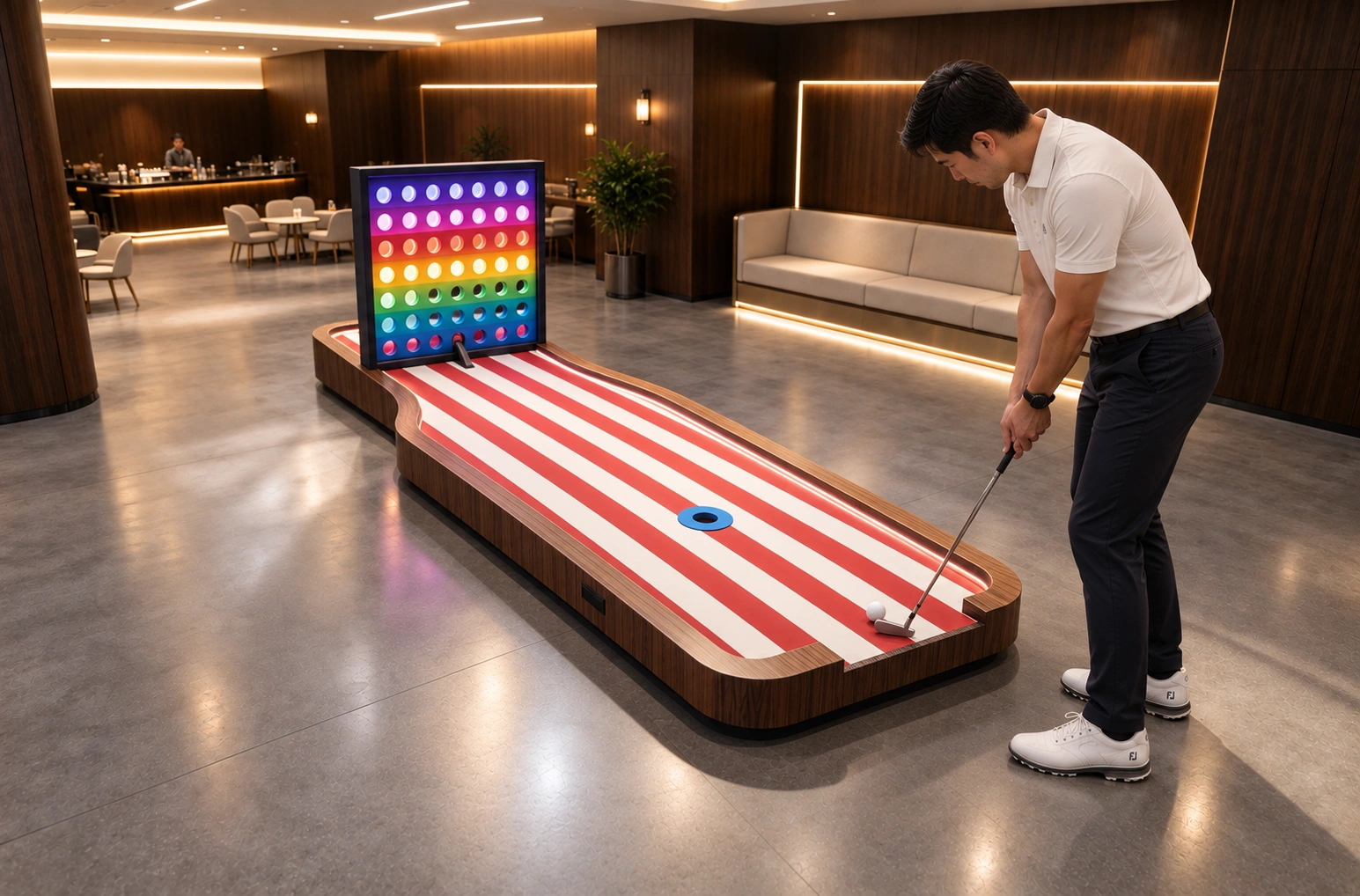
Rainbow Golf Challenge
A colour-coded target hole with a different point value per colour.
Discuss this hole for your venue
Contact us to confirm dimensions, finishes, technical requirements and available configurations. Final specifications are confirmed in the quotation.
Get a QuoteProduct features
- Colour-coded targets
- Different point values
How to play
Choose a coloured target using its position and point value. Putt toward it, balancing accuracy against the potential score.
Difficulty & skills
Challenge focus: Colour-coded targets · Different point values
Materials & construction
| Main materials | Wood and fabricated sheet metal |
|---|---|
| Material combination | The combination and specification depend on the model and project. |
| Durability | Built for use in commercial indoor mini golf venues. |
| Environmental requirements | Material and finish requirements can be reviewed for your project. Confirm the relevant material and coating documentation before ordering. |
THE COLLECTION
Compare these alternatives
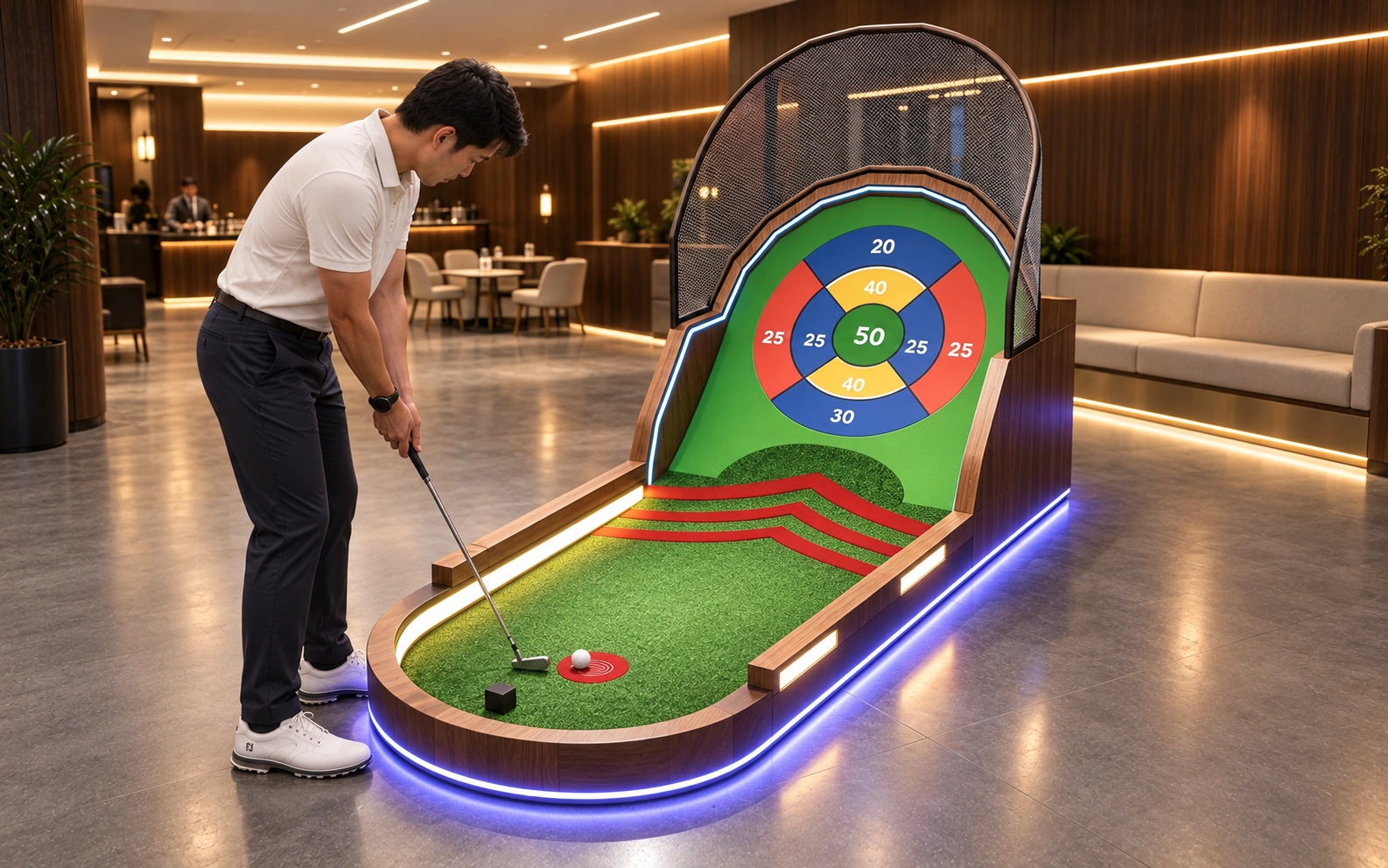
Golf Target Shooting Hole
Select a target area on the board and putt toward it. Adjust direction and power to reach the scoring zone you want.
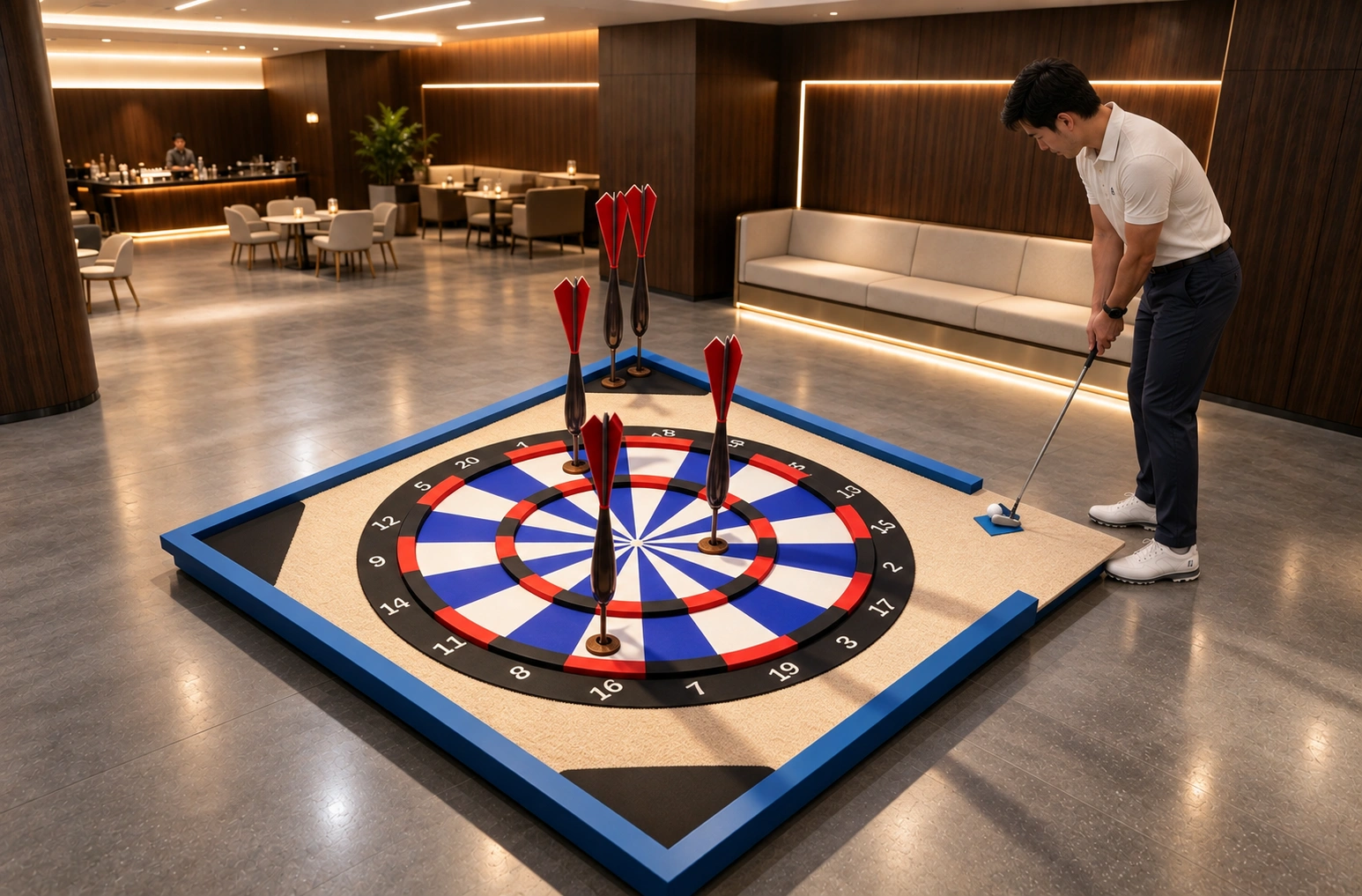
Darts Golf Hole
Choose a numbered target area and putt toward it. Aim for the higher-value areas with accurate direction and controlled strength.