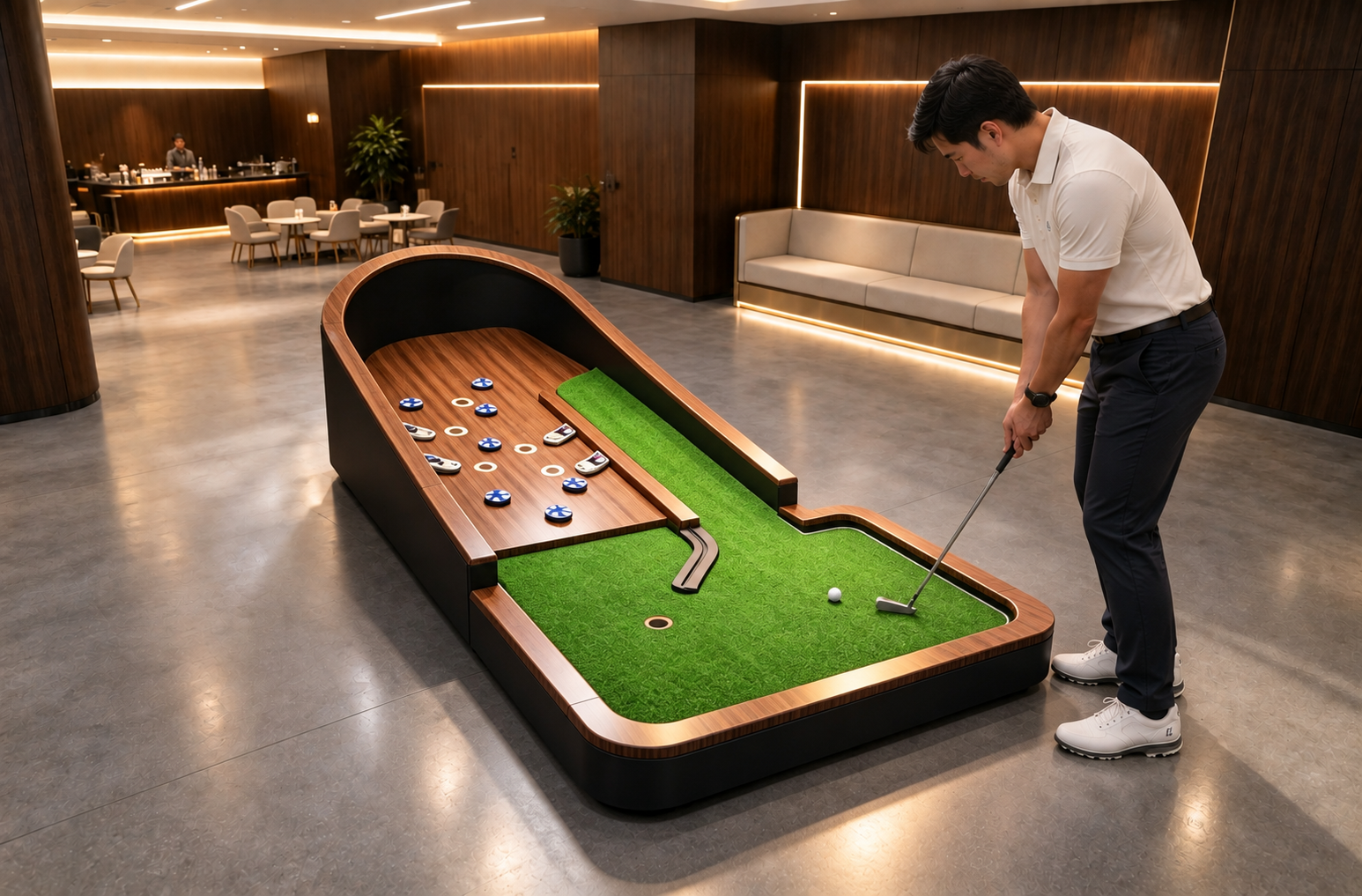
Top 8 Details to Review in a Mini Golf Design Proposal
Review the proposal with the measured site plan, equipment schedule and quotation open together. A hole moved in the drawing also needs to be checked against the guest route, services and supply scope. These eight details help an operator turn a design presentation into a proposal the venue team can actually review.
1. The measured site plan and its revision
Start by identifying the drawing being priced. Its reference, date and revision should match the proposal. Place the measured room or site information beside it, including columns, doors, fixed services and the boundaries of the proposed work. Mark information still awaiting a site check so the design team can resolve it before it becomes an ordering assumption.
A presentation plan and a final supply design can serve different purposes. In its own published design process, Adventure Golf & Sports distinguishes a concept and positioning plan from final design and budget. For your purchase, establish which stage the document represents and what information the next stage will add.
2. The route a group takes around the equipment
Trace the visit from equipment collection to the first hole, through the course and back to the return point. Put waiting guests and staff assistance onto the plan as well as the playing equipment. The position of a queue or an employee retrieving a ball is part of the layout discussion.
Read a busy-session example against the drawing: one group is playing, the next is ready to start and a player needs help. Where does each person stand? If the answer depends on moving a queue into another attraction’s route, revise the arrangement with the venue team. The layout review guide develops these operating questions. Site-specific access and building requirements belong with the responsible project team.
3. A hole schedule that matches the drawing
Give every hole a stable reference and connect it to the exact product or agreed custom design. A theme name helps discuss appearance; the schedule needs to identify the supplied version, quantity, intended target and any associated equipment. Use the same reference in the plan and quotation so an attractive illustration does not become the only description of the purchase.
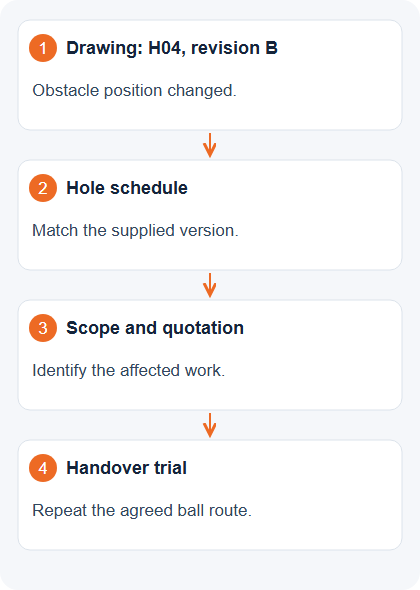
Take a changed hole through the documents during the review. If the obstacle is revised, check the listed version, included fittings and scope of work together. Keep the guest explanation and the result-recording task alongside the physical design; those details help the operating team understand what has been proposed.
| Record | What to align | Question to close |
|---|---|---|
| Site and layout drawing | Revision, room information and hole references | Which measured plan is the offer based on? |
| Hole schedule | Product/version, target and included fittings | Does it describe the hole shown? |
| Services and installation scope | Connections, preparation and responsibilities | Who provides and installs each part? |
| Quotation and change record | Included work, exclusions and agreed amendments | Is the current design priced? |
| Handover requirements | Demonstration and issue record | Will the supplied version be checked? |
A procurement review checklist. The drawings and acceptance requirements still need to be agreed for the actual site and selected equipment.
4. Obstacle dimensions and access around them
A top-down view leaves some questions open. Review the proposed height, projection and installation position of the actual obstacle, together with player positions and access for staff. The equipment drawing should identify the configuration being supplied, including the parts needed for its intended operation.
For a custom feature, agree the design detail and approval point before manufacture. A description such as space theme or treasure hunt does not specify dimensions or maintenance access. Work through ball recovery and inspection with the selected design in front of the team. Use the supplier’s product-specific requirements and the site review rather than adding a universal clearance from an unrelated course.
5. The surface, support and awkward interfaces
Follow the putting surface across a seam, around an obstacle and into the target. Identify the playing material, support, fixing method and proposed connections in the supplied assembly. The drawing should make the relevant interfaces visible to whoever prepares the floor and installs the equipment.
Keep a sample or demonstration record linked to that specification. It gives the discussion a reference when a finish or connection changes. The putting-surface comparison explains how to review the assembly, cleaning and replacement work in more detail.
6. Services, displays and the actual scoring task
Separate what a guest does from what the proposed system records. For each game, describe the target, the result, who enters it and how a correction is made. Where detection or automatic functions are offered, identify the exact function and test it in the quoted configuration. Detecting a completed target and recording every stroke are different tasks to clarify with the supplier.
Then place the specified power, cabling, controls, displays and any network requirements on the relevant drawing. Assign supply and installation responsibilities. A screen in a rendering leaves the connection details unresolved until the selected system is specified. The scoring comparison guide helps structure the demonstration.
7. The boundary between the quotation and site work
Read the price beside its included work: design, equipment, theming, delivery, unloading, preparation, services, assembly, training and spares. Put exclusions and owner-supplied work beside those items. Two proposals become easier to compare when the same tasks appear in each scope, even if different parties carry them out.
Drew Horn’s IAAPA article on project budgets identifies management of changes among the factors affecting themed-project costs. In the review, give each requested change a description, an owner and its effect on the price or programme. Retain the written response with the drawing revision it belongs to.
| Work package | Define the boundary | Record with the proposal |
|---|---|---|
| Delivery and unloading | Route, handling, access and storage | Responsible party and site arrangement |
| Receiving surface | Checks, preparation and readiness | Specified criteria and sign-off responsibility |
| Services and assembly | Connections, installation and testing | Who supplies, installs and checks |
| Training and opening | Instruction, care and handover tasks | Documents, demonstration and open issues |
Assign these tasks in the actual offer; the table is not a statement that every supplier includes them or that the owner must perform them.
8. What the venue team will check at handover
Choose the demonstrations while the proposal is still being reviewed. Use the intended ball routes, target completion, result entry and correction, equipment return and normal cleaning tasks. Define who will demonstrate each item and what record will show an outstanding issue or an accepted result.
Consider the illustrated H04 example: its obstacle position changes during design. At handover, the team needs the agreed route from that revision, rather than an earlier demonstration of a different arrangement. This is a document-review example, with no claimed project outcome or performance measurement.
Before ordering, keep the current plan, hole schedule, scope, agreed changes and trial requirements together. Any unresolved item should have a named next action. For the wider installation choice, the modular-versus-custom guide helps compare what the complete proposal includes.
Review a proposal against your venue plan
Share the measured plan, proposed hole list and current scope. Request the equipment version and installation responsibilities alongside the layout for a joint review.
THE COLLECTION
Products discussed in this guide
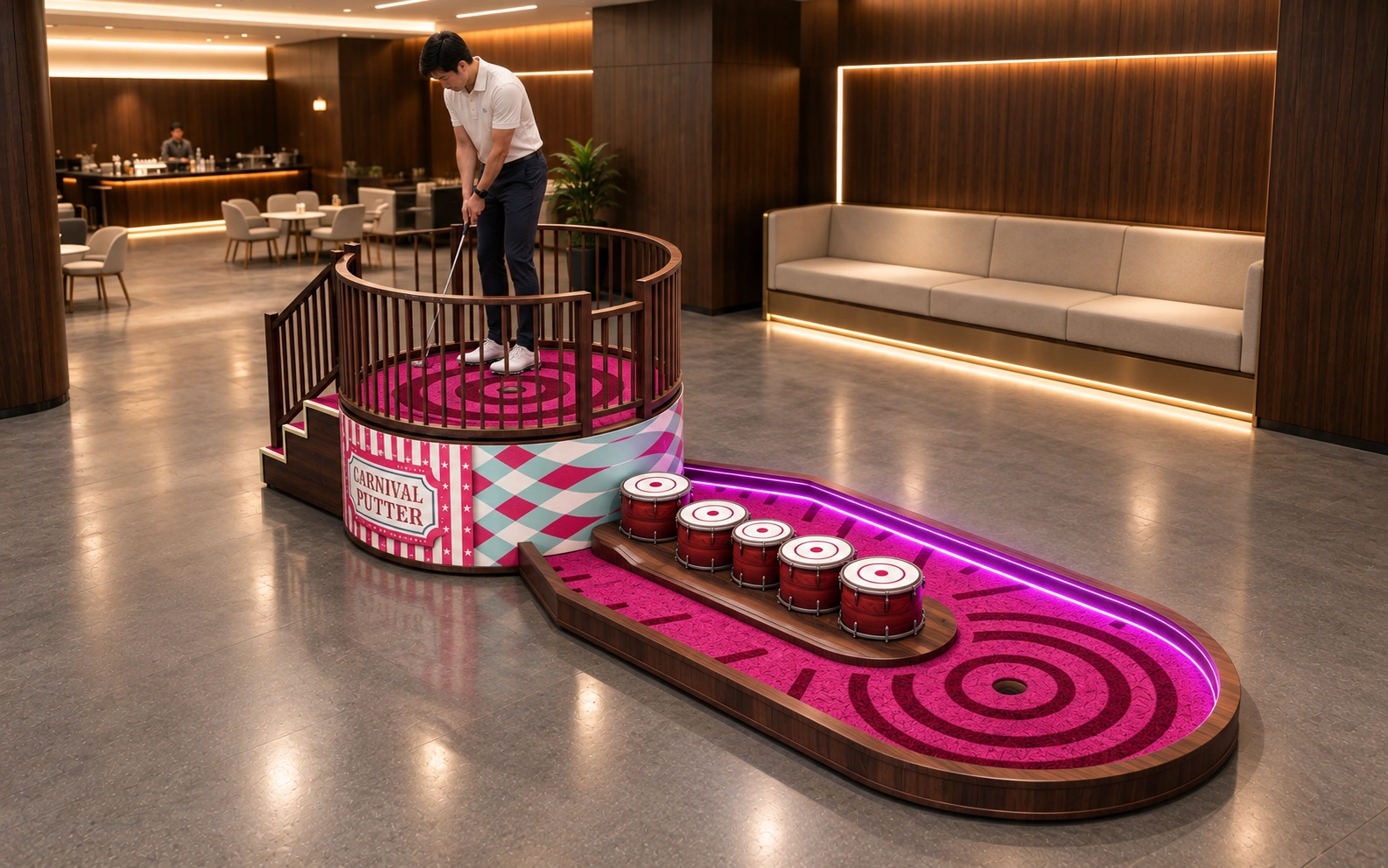
Interstellar Crossing Hole
Follow the themed crossing route toward the target. Control shot direction, strength and distance through the course.
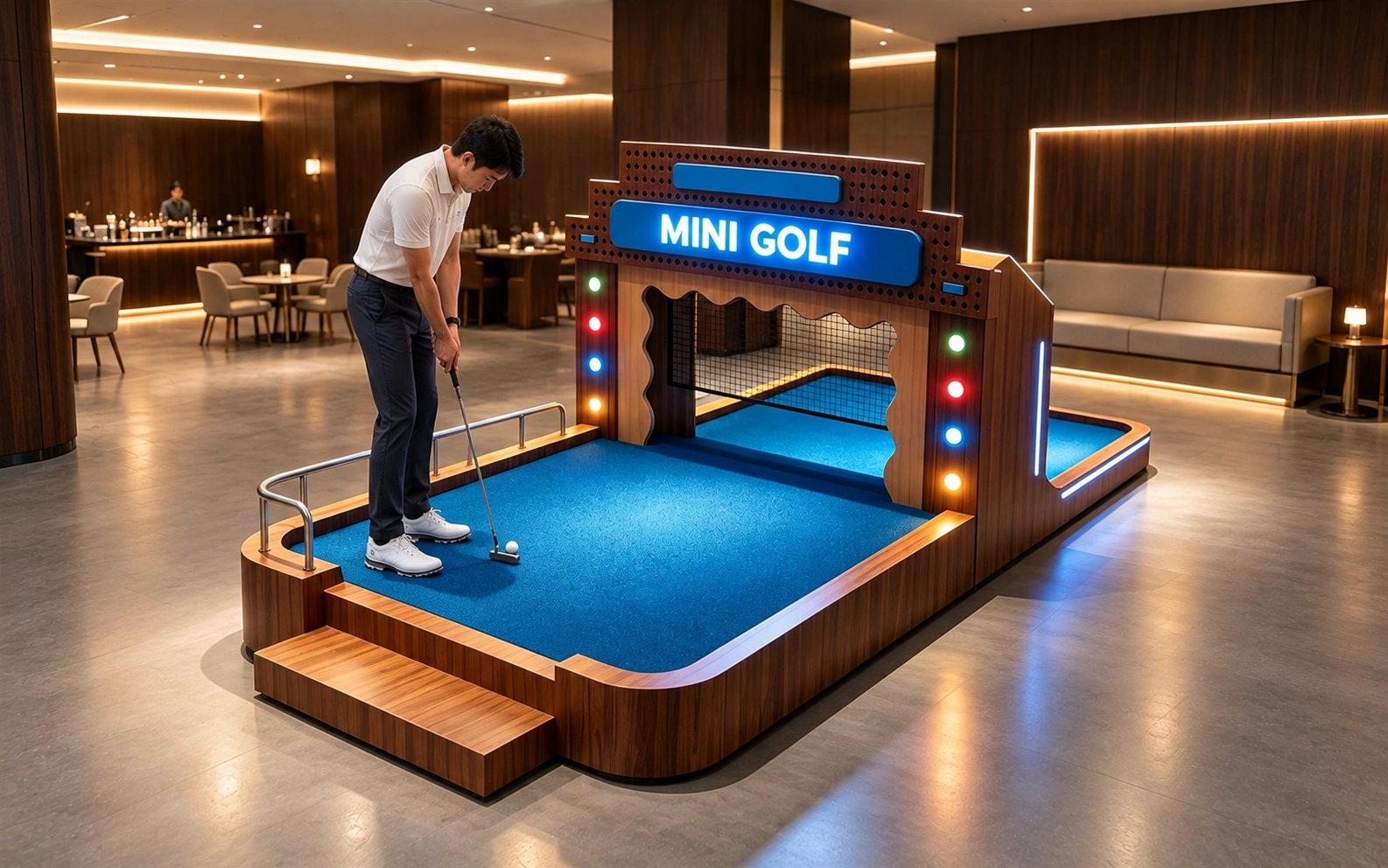
Golf Treasure Hunt Hole
Putt through the themed course and read the route into the target area. Choose a line and control the ball to complete the challenge.
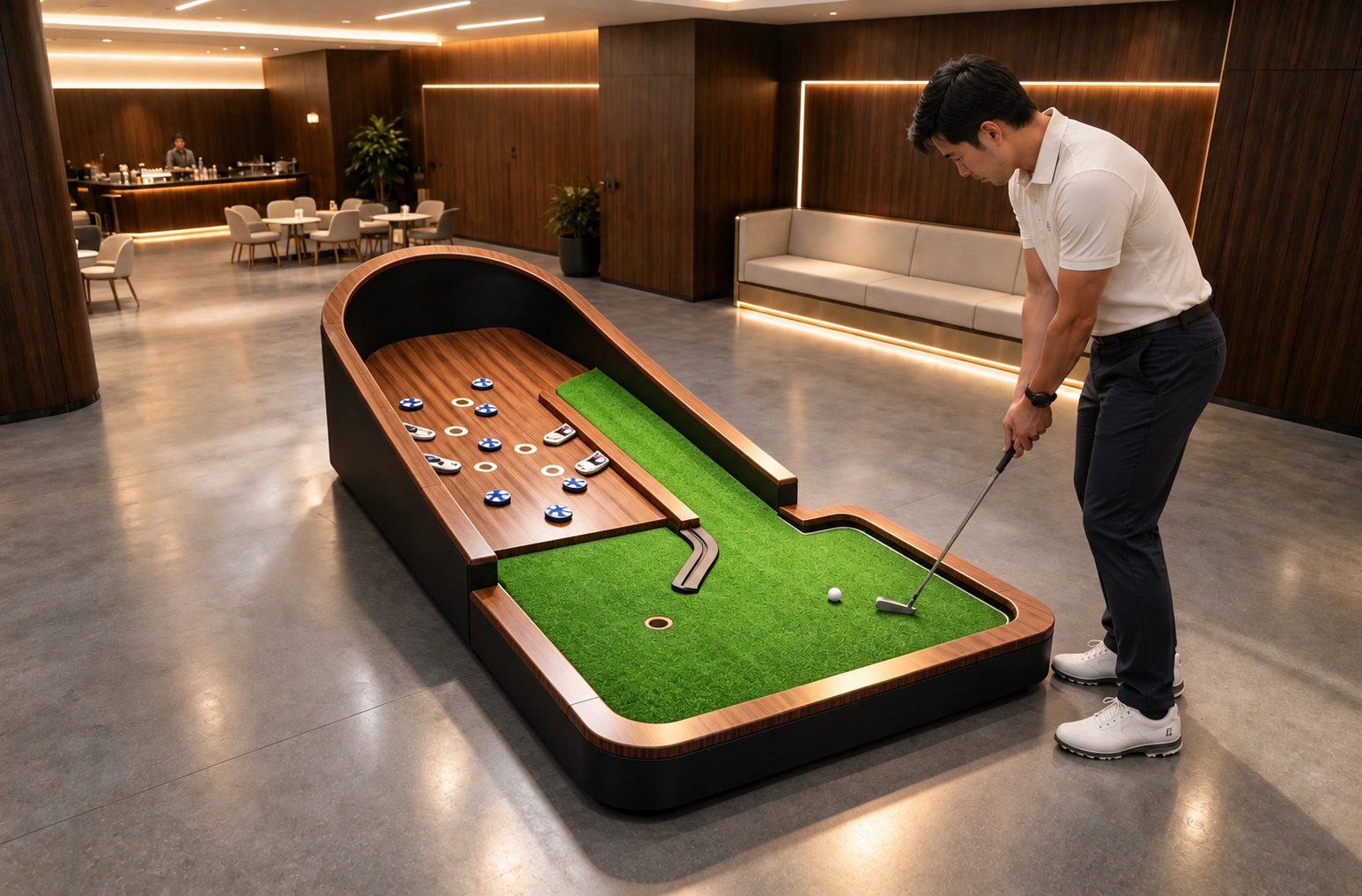
Customized Obstacle
Read the configured obstacle route before putting. Guide the ball past the barriers and traps using controlled direction, power and timing.